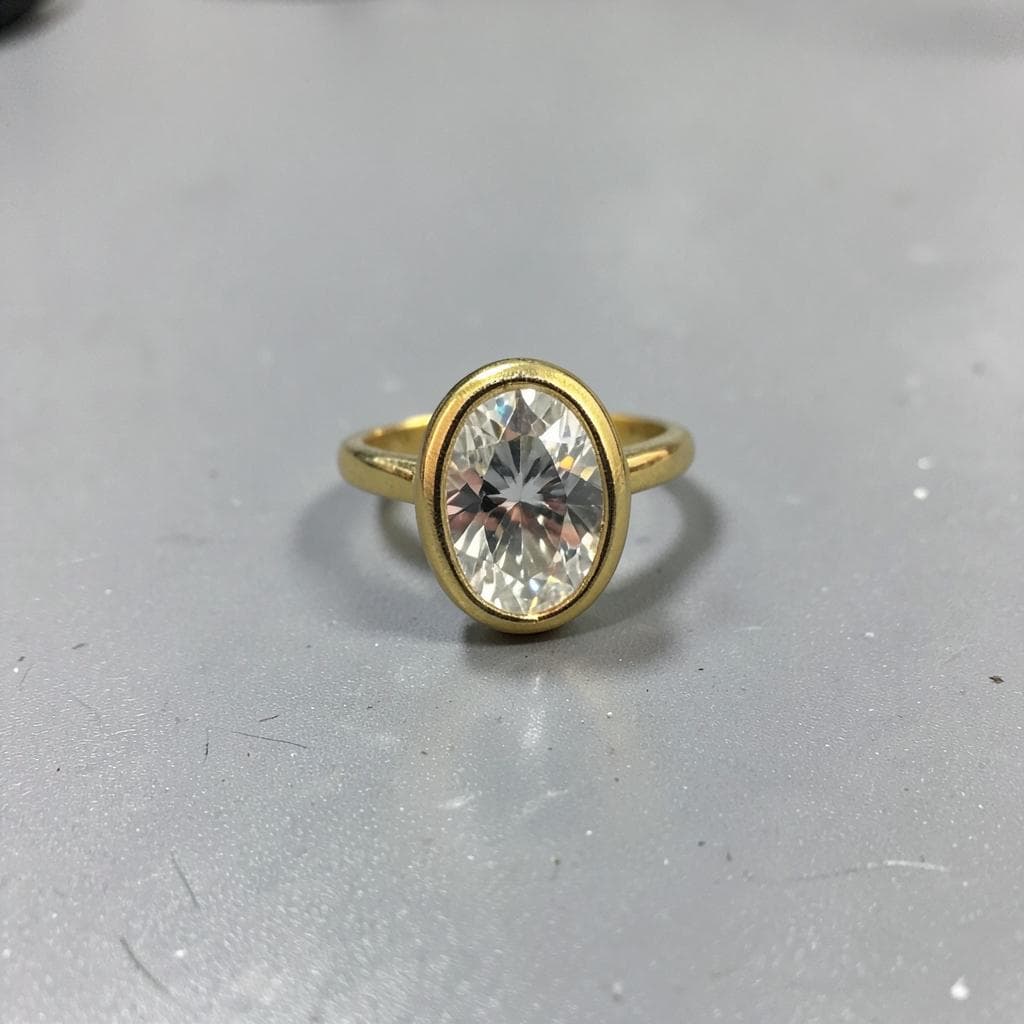
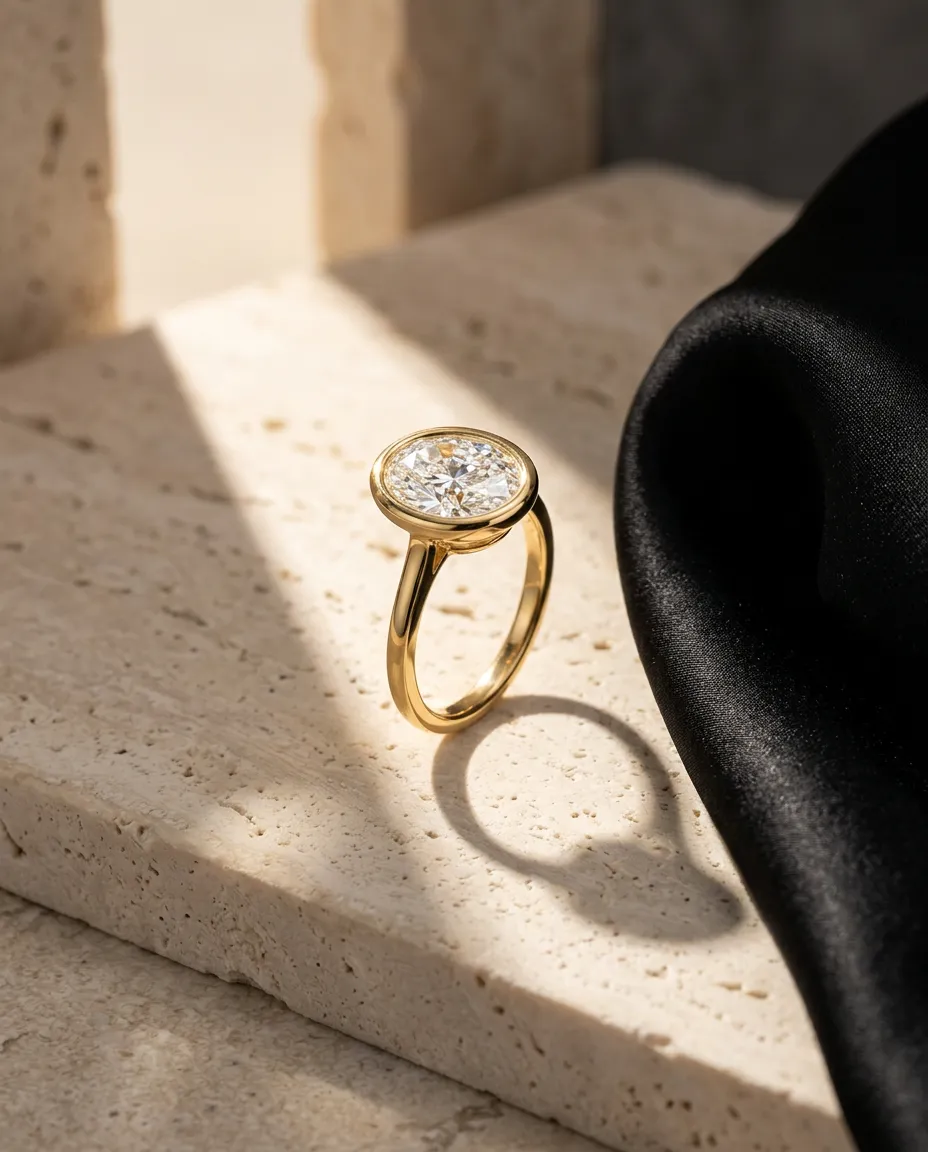
Built for jewelry
Every control begins with the piece, not a generic prompt.
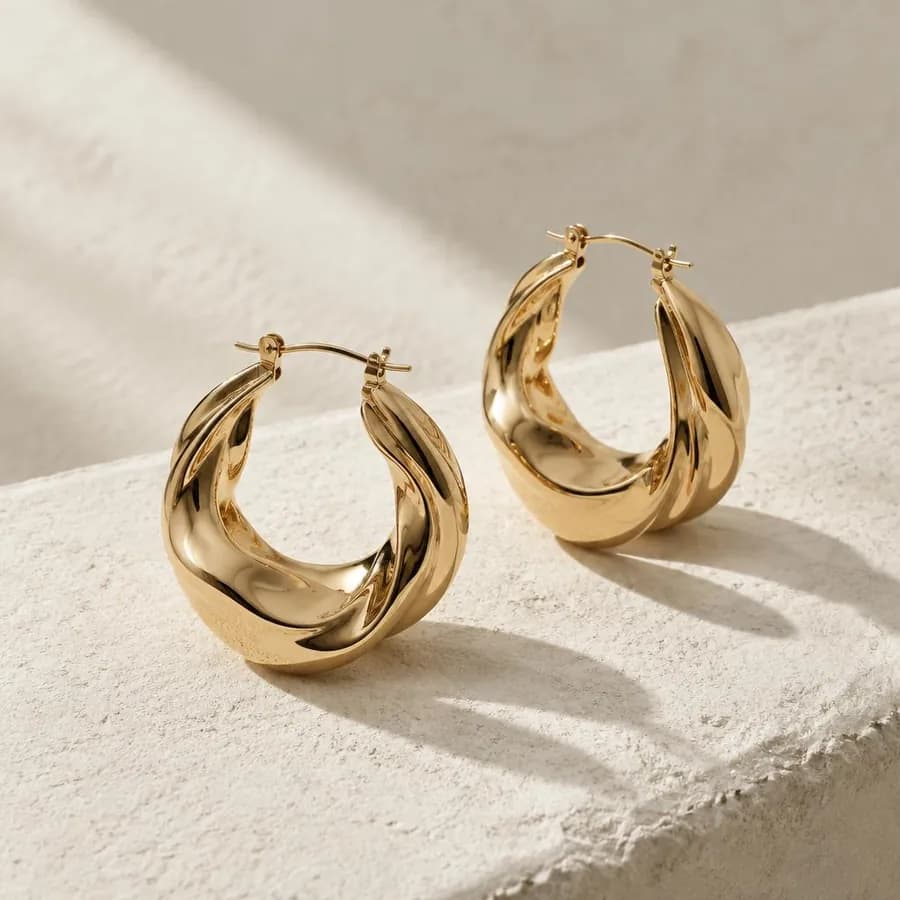
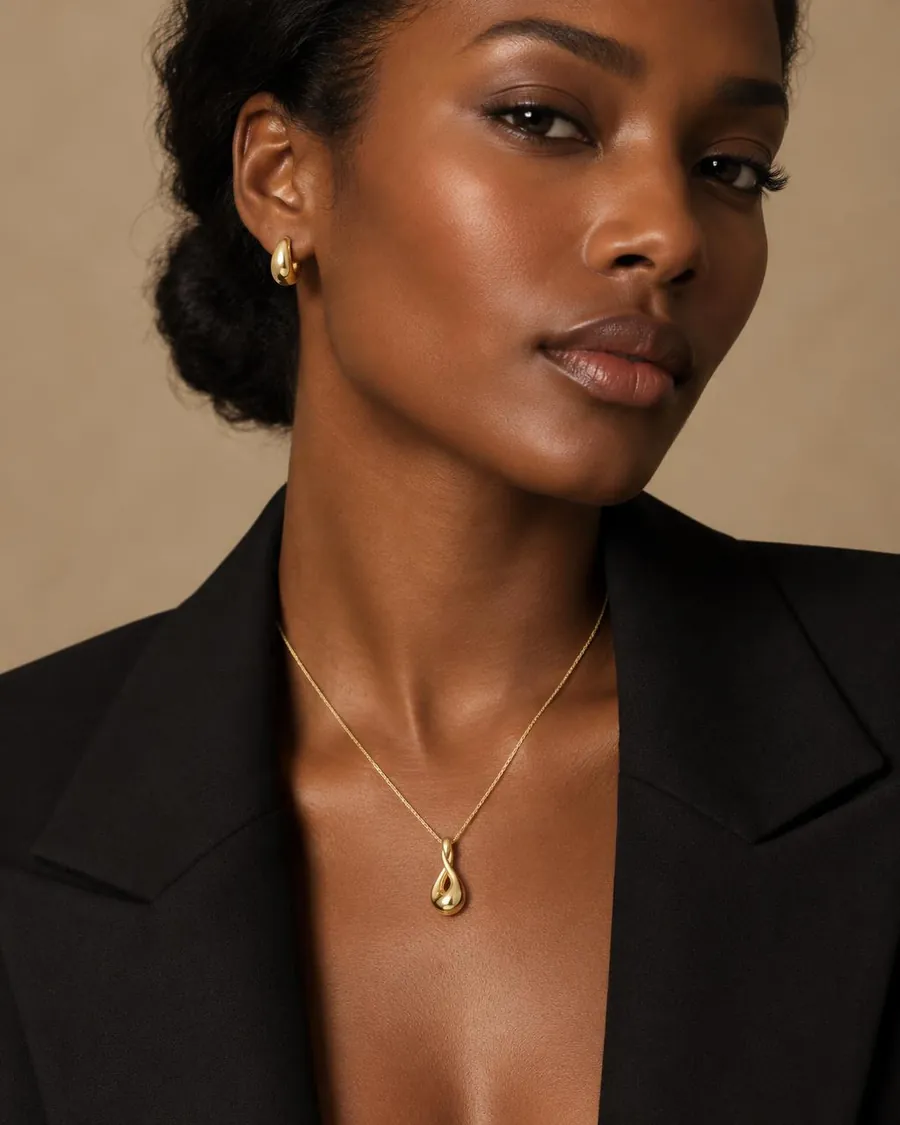
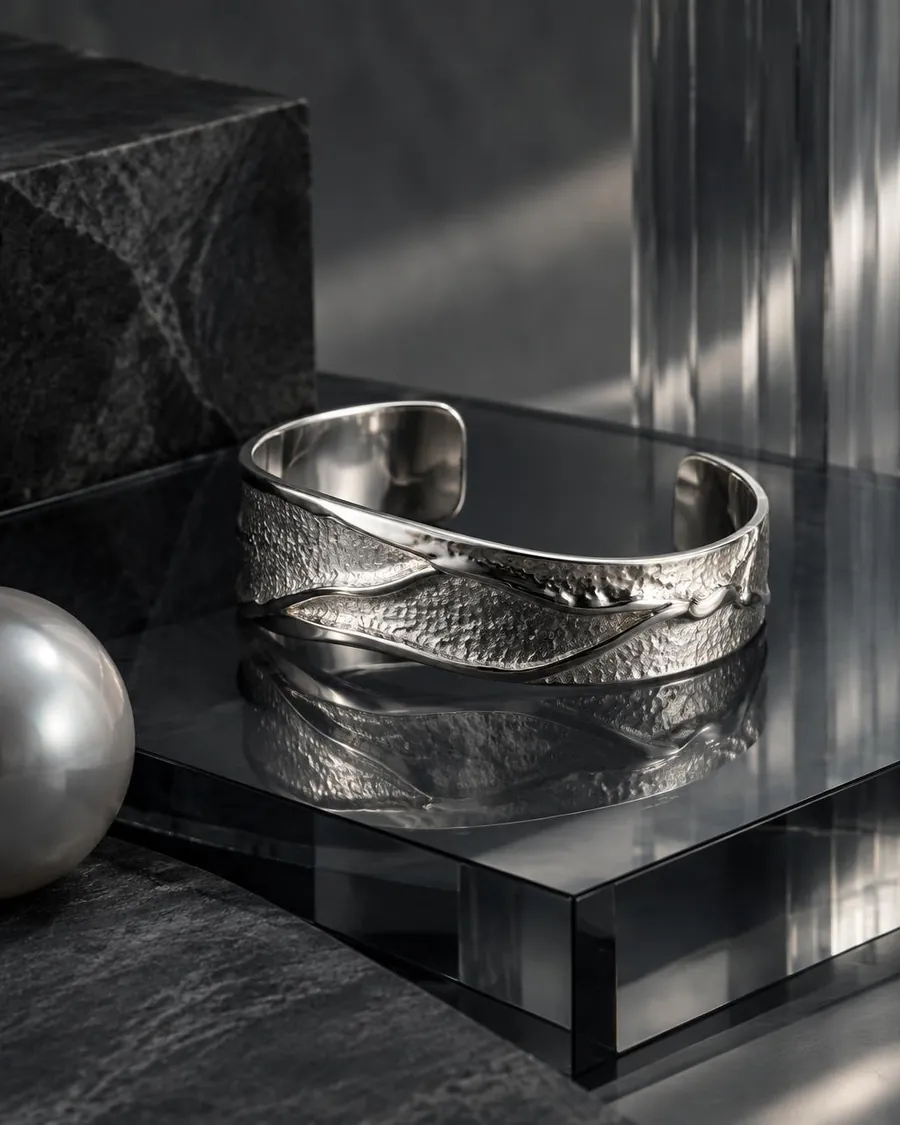
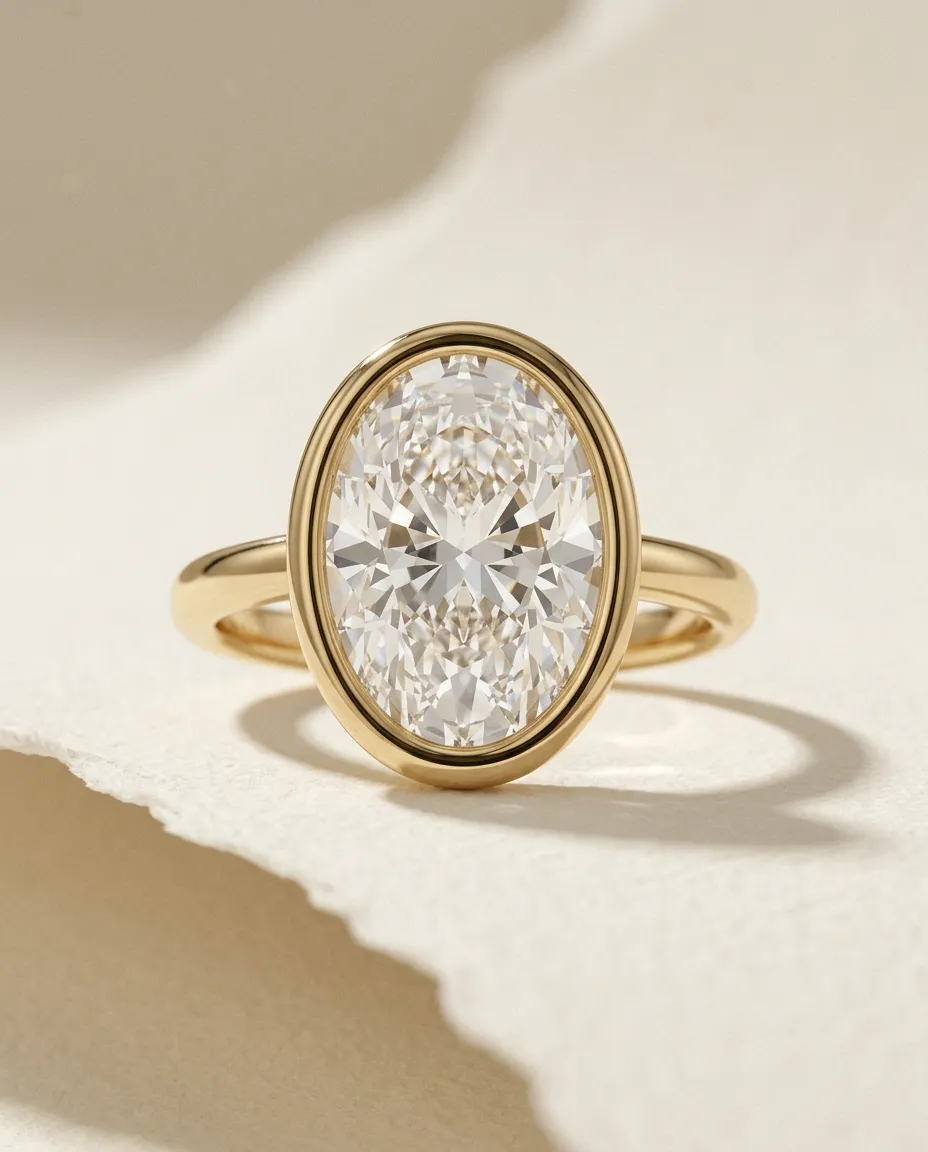
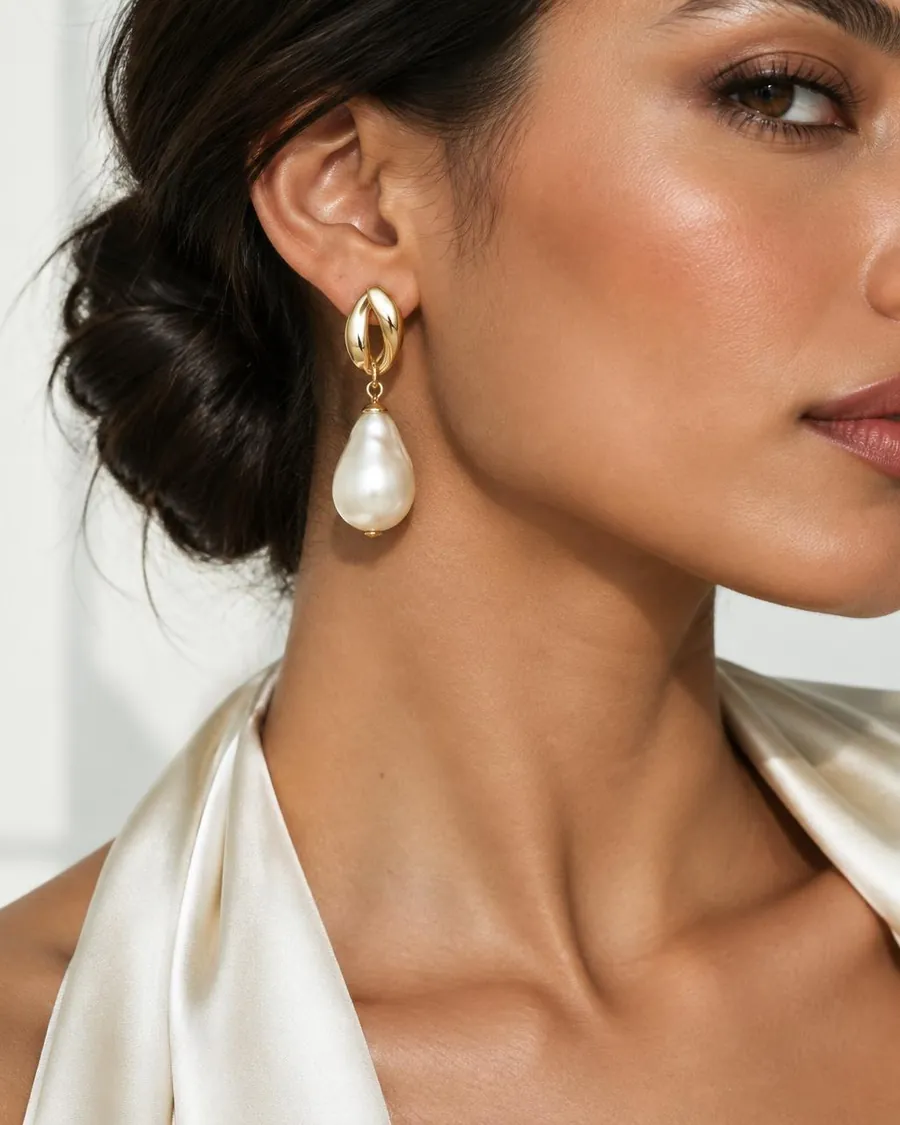
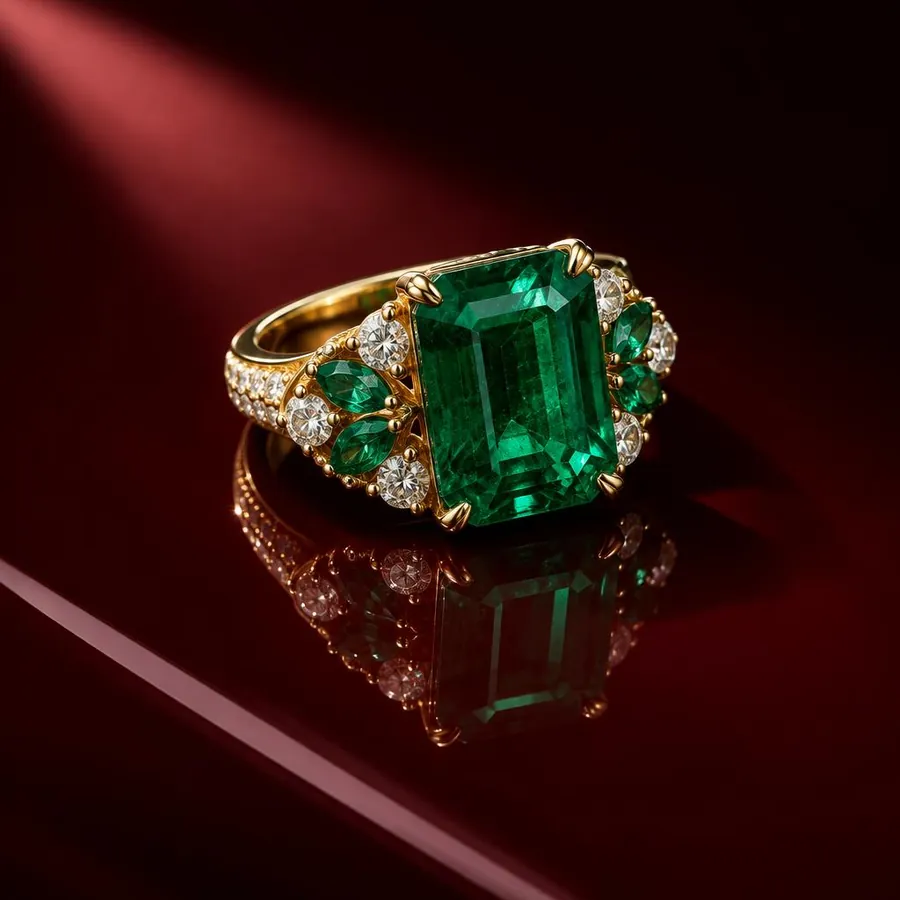
AI visual studio for jewelry
Why EMBER
Every control begins with the piece, not a generic prompt.
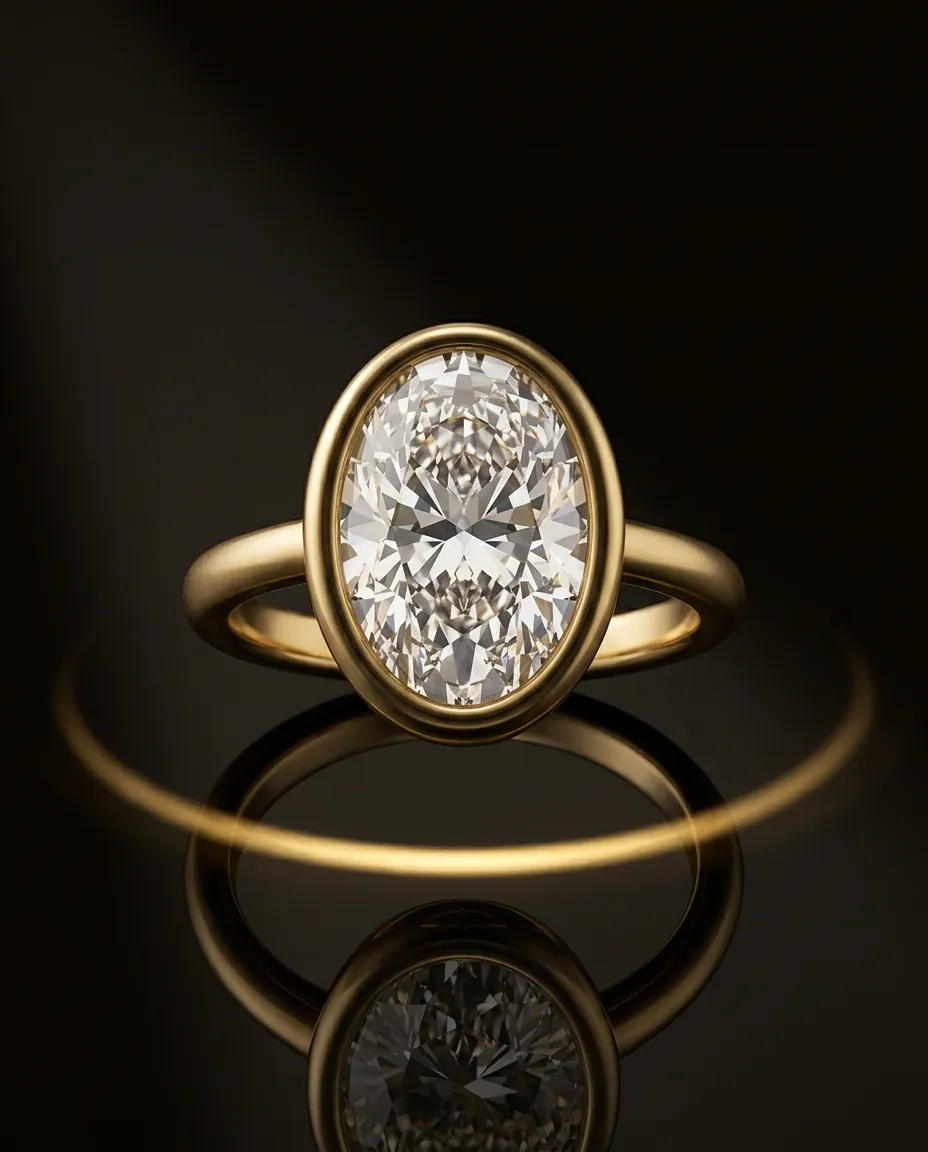
Design, proportions and materials remain recognizable across the set.
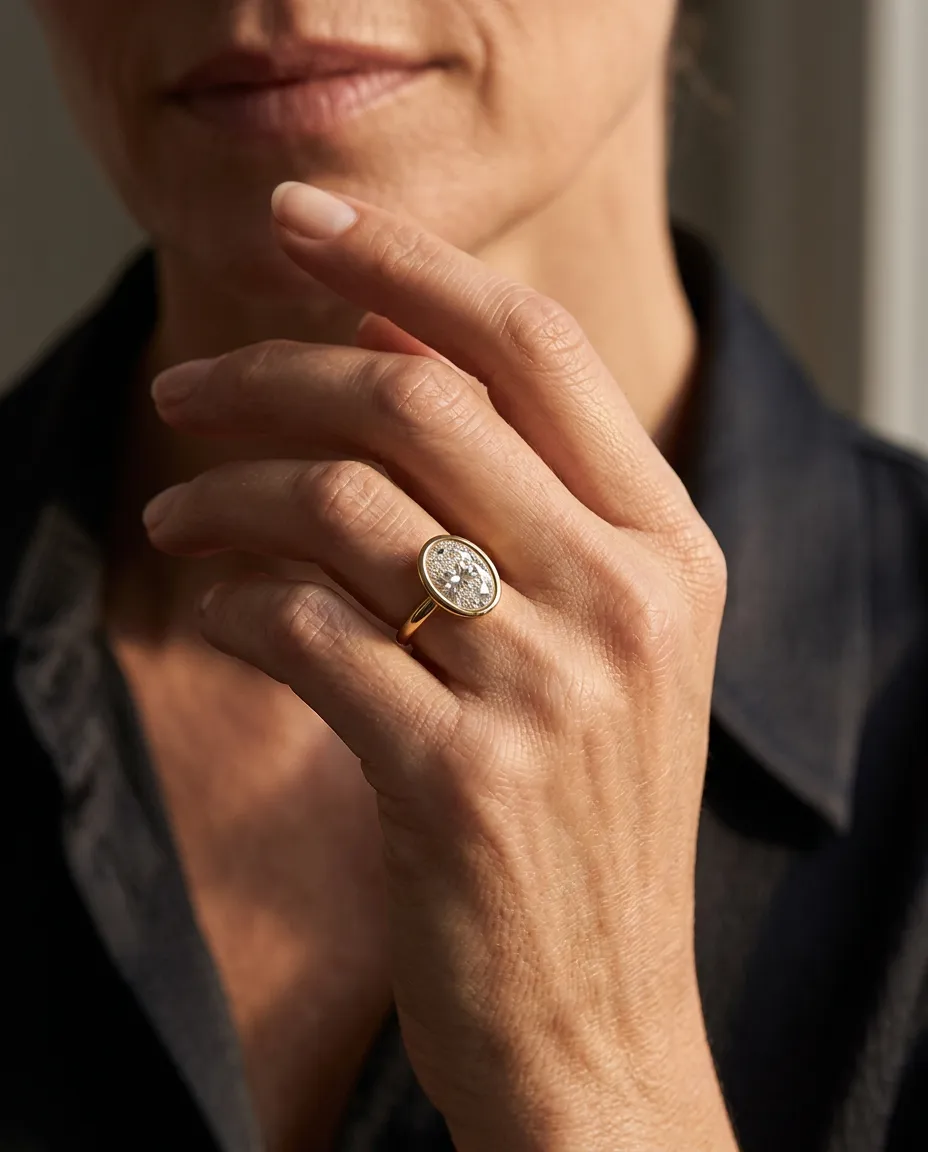
Create Product, On-Model and Lifestyle imagery that belongs to one brand.
Questions
Use AI Cleanup to clean up or replace the background while keeping the jewelry itself anchored. Set a preferred background color in My Brand if you want a consistent catalog look.
No. Choose On-Model, upload your jewelry image, and guide the result with options such as size & fit, skin tone and model look.
Set up My Brand with your visual preferences. EMBER can then carry that direction across Product, On-Model, Lifestyle and other outputs.
EMBER is designed to keep the jewelry identity anchored while changing the photography, setting and art direction. AI generation can still vary details, so important product details should always be reviewed before publishing.
Your next campaign
Begin with the jewelry you already have.